
- Tammy Buchanan
- Best Practice Updates
DPE Webinar Schedule
📢📢 Come and register for our new Data Protection Education webinars for 2026!

📢📢 Come and register for our new Data Protection Education webinars for 2026!
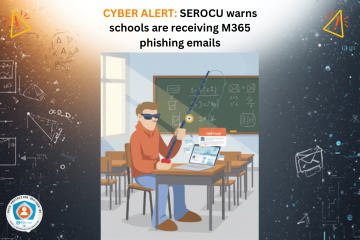
The SEROCU (South East Organised Crime Unit) has advised schools across Surrey and Sussex to be aware of a rise in M365 phishing emails.
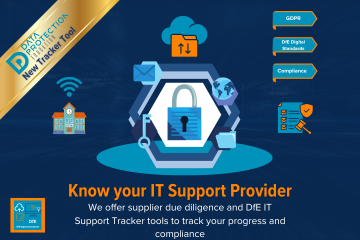
Finding the right IT partner and support provider is a big decision. Due diligence for IT Support isn't just about who can 'fix computers', it's about ensuring standards are followed and they work with you to meet your organisation's strategy. Data Protection Education has a DfE IT Support Tracker and Supplier Due Diligence Directory to provide support and guidance as well as tracking your progress.
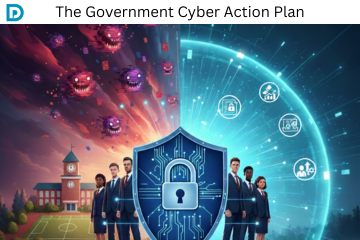
The Government Cyber Action Plan, published in January 2026, sets out a radical shift in how the UK public sector manages cyber security and digital resilience. It moves away from fragmented, siloed defences toward a "Defend as One" model led by a new Government Cyber Unit within the Department for Science, Innovation and Technology (DSIT).
We're sharing some small snippets over Christmas to share with staff. Please feel free to share the link to this short news article or follow us over on our social media channels where we share additional help and advice - we'd love to see you there!

The DfE Technology in Schools survey: 2024 to 2025 was published this week. We give our views on the results:
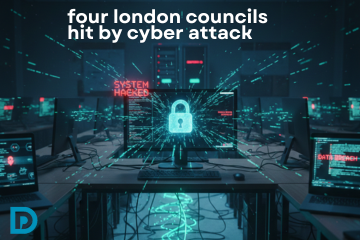
Several London councils are believed to have been targeted in cyber attacks within the past few days, including Hammersmith, who were previously attacked in 2020.

The government has announced an additional Digital Standard to help with planning, commissioning and reviewing their IT support services. The services can be internal, external or a hybrid. Effective IT support is essential for maintaining technology, planning improvements and mitigating risks like outages and cyber incidents, and sits alongside the other 11 standards.
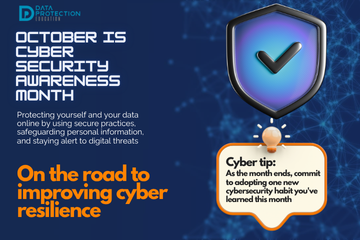
As Cyber Security Awareness Month draws to a close, it's important to recognise that cybersecurity isn't a destination; it's a continuous journey. For organisations, particularly those in the education sector, this journey often involves working towards recognised standards and certifications. In the UK, Cyber Essentials and Cyber Essentials Plus are government-backed schemes designed to help organisations protect themselves against common cyber threats. For schools, the Department for Education (DfE) Digital Standards provide additional, tailored guidance. The Government has recently published their Cyber Assessment Framework for further best practice guidance.
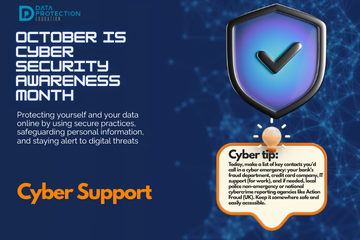
Understanding where to get help for cyber resilience and in the event of a cyber attack is crucial for both individuals and organisations. The good news is that there is help and guidance available!
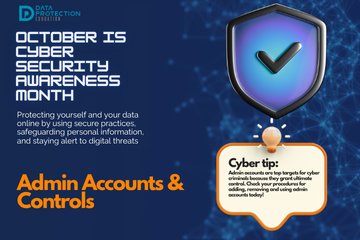
Administrator accounts (often called "privileged accounts") are the most powerful and, so, the most sought-after targets for cybercriminals. These accounts hold the "keys to the kingdom," possessing extensive permissions to configure systems, access sensitive data, manage users, and make critical changes across an entire network or application. A single compromised admin account can lead to a catastrophic data breach, widespread system paralysis, or complete organisational takeover by attackers. Therefore, making these accounts cyber resilient through controls, processes, and procedures is crucial.
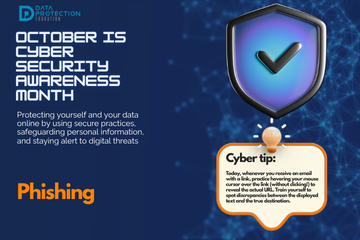
Phishing remains one of the most prevalent and effective cyberattack methods, tricking millions into compromising their data every year. These deceptive messages, often arriving via email, text message (smishing), or phone call (vishing), are designed to look legitimate. They aim to trick you into revealing sensitive information like login credentials, credit card numbers, or personal data, or to click on malicious links that install malware. They may also be the start of a more complex cyber attack as a way into a system.
©2026 Data Protection Education Ltd.